MALONI Robotics · Virtual showroom
MALONI Showroom
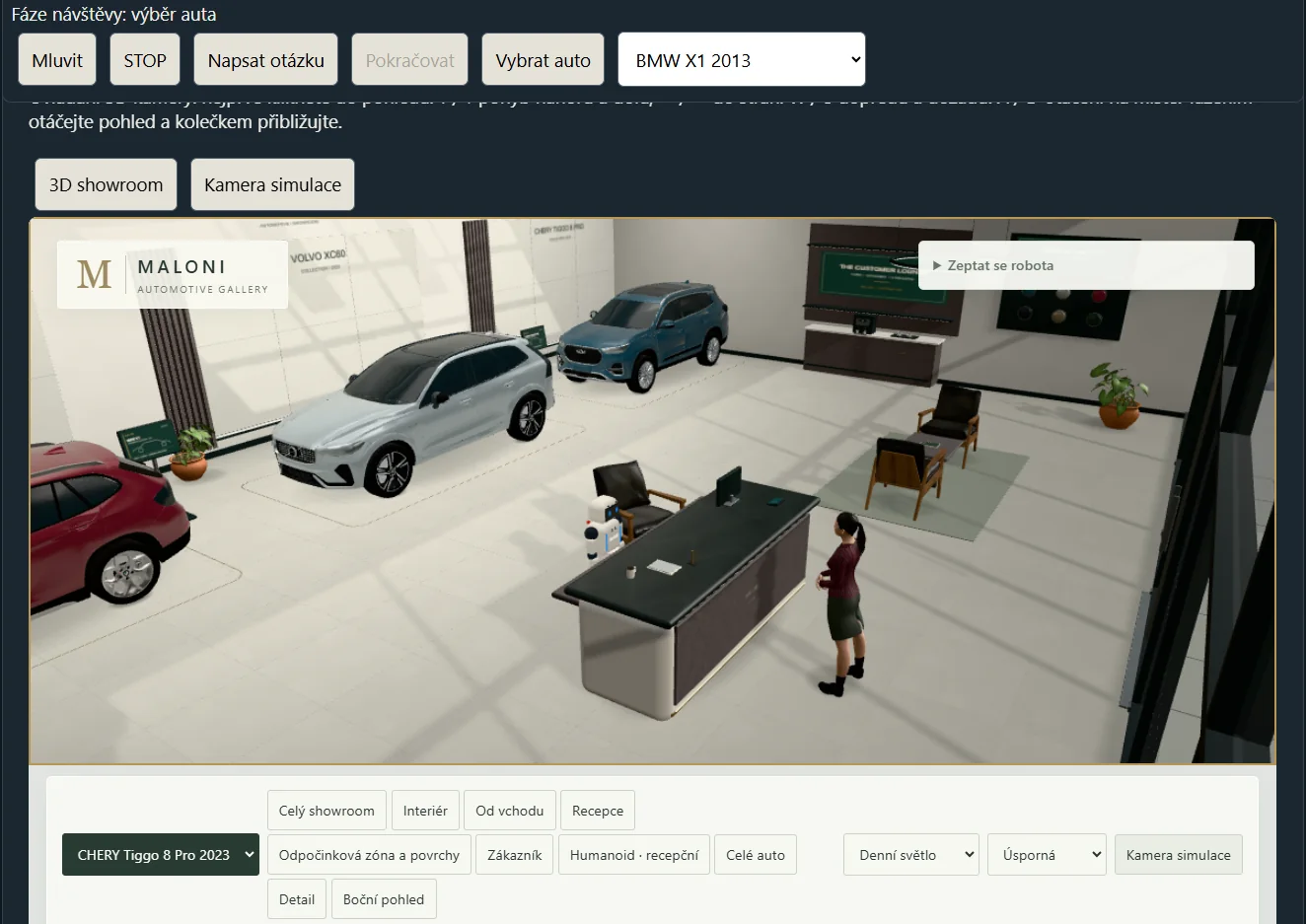
Test a visitor journey in our own MALONI simulation environment. We currently work with Unitree G1 and MALONI Humanoid 120 models in the simulator.
We start with the route, dialogue and operator controls in a virtual scene. After reviewing the simulation, we define what a physical pilot would need to prove.
Discuss your showroom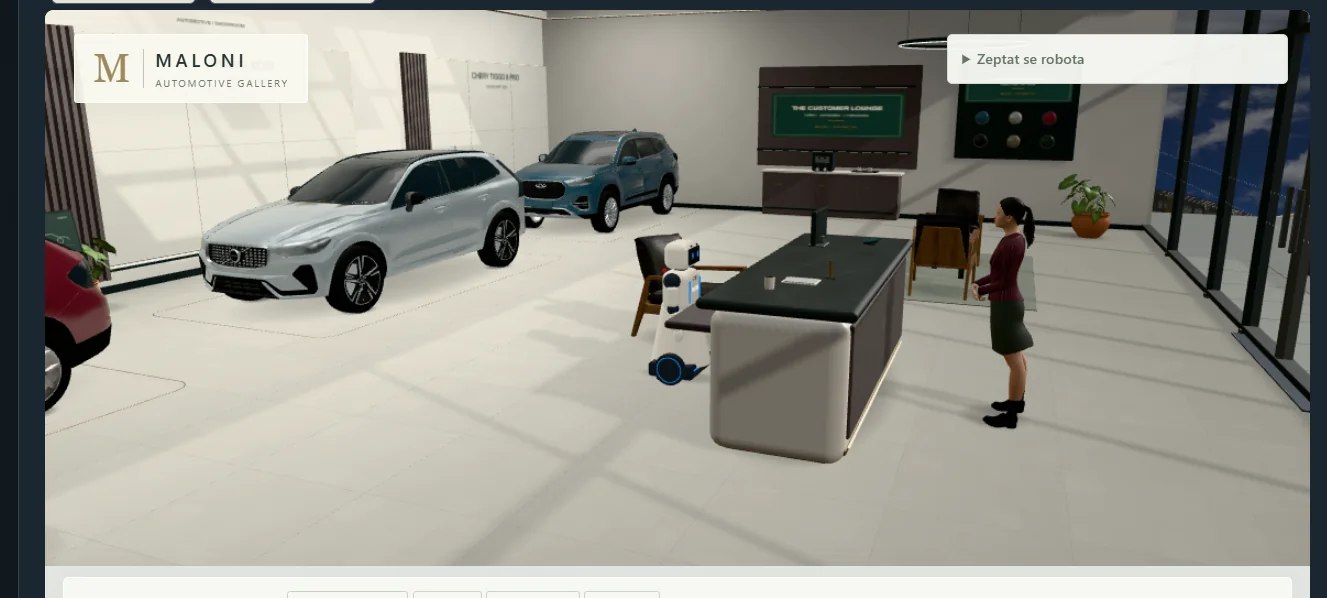
One simulation environment for different robot platforms
MALONI develops its own simulation environment for robots from different manufacturers. We currently use models of Unitree G1 and our in-development MALONI Humanoid 120. For another platform, we first check the model and control interfaces.
What a visit can look like
- The robot welcomes a virtual visitor and offers to guide them.
- After the visitor agrees, the robot guides them to a display and starts the presentation.
- An operator can interrupt or restart the scenario and review the visit.
The published demonstration shows an internal simulation. Operation around visitors requires a physical pilot to validate perception, motion and site safety.
Platform and delivery scope
For a showroom, we assess dialogue, navigation, operator controls and availability at the operating site. The quotation sets out responsibilities, support and any physical pilot terms.